Your iPhone. Your personal co-pilot.
Every drive.
A little more alive.
Meet the story behind your steering wheel. Live speed, every turn, and every trip — all on your iPhone. No adapter needed.
Free, no account, iOS 17 or later. Version 1.3.
Starting out
Three taps, and the drive is on the record.
Nothing to install in the car, nothing to pair, no account to make. Your phone already has the sensor that matters.
-
Press Start a drive
OBDrive asks for location once, then begins recording speed, route and time straight away.
-
Drive as you normally would
Speed stays on screen, on the Lock Screen and in the Dynamic Island, so the phone can stay in its cradle.
-
Read the recap
Distance and duration lead, with your route, Eco score and the full breakdown a tap behind them.
Version 1.3
What it looks like at 72 km/h.
The redesigned Drive screen puts speed in the middle and your route right underneath it.
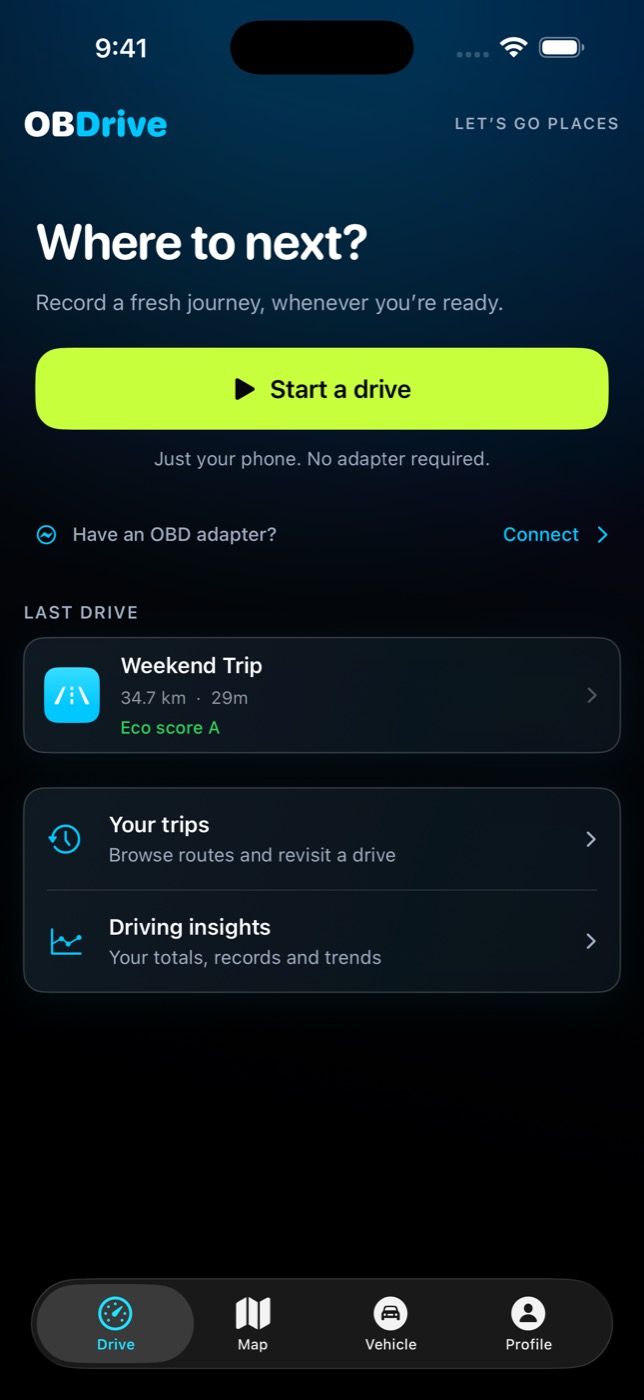
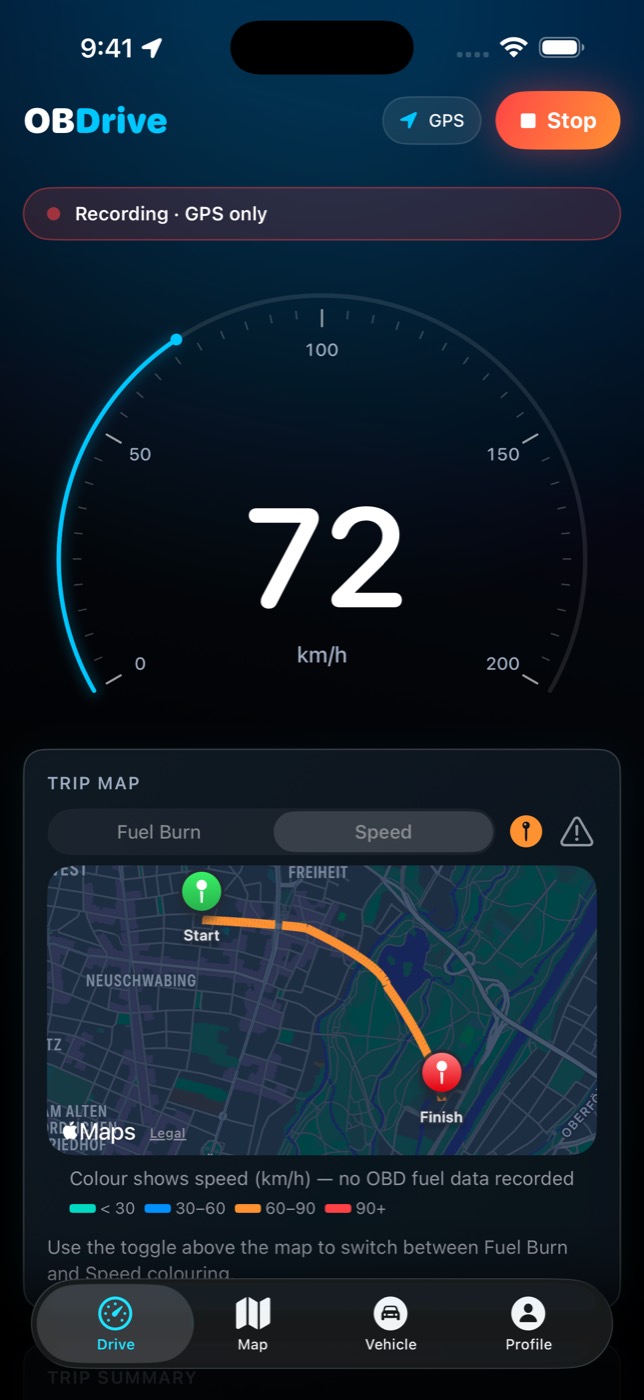
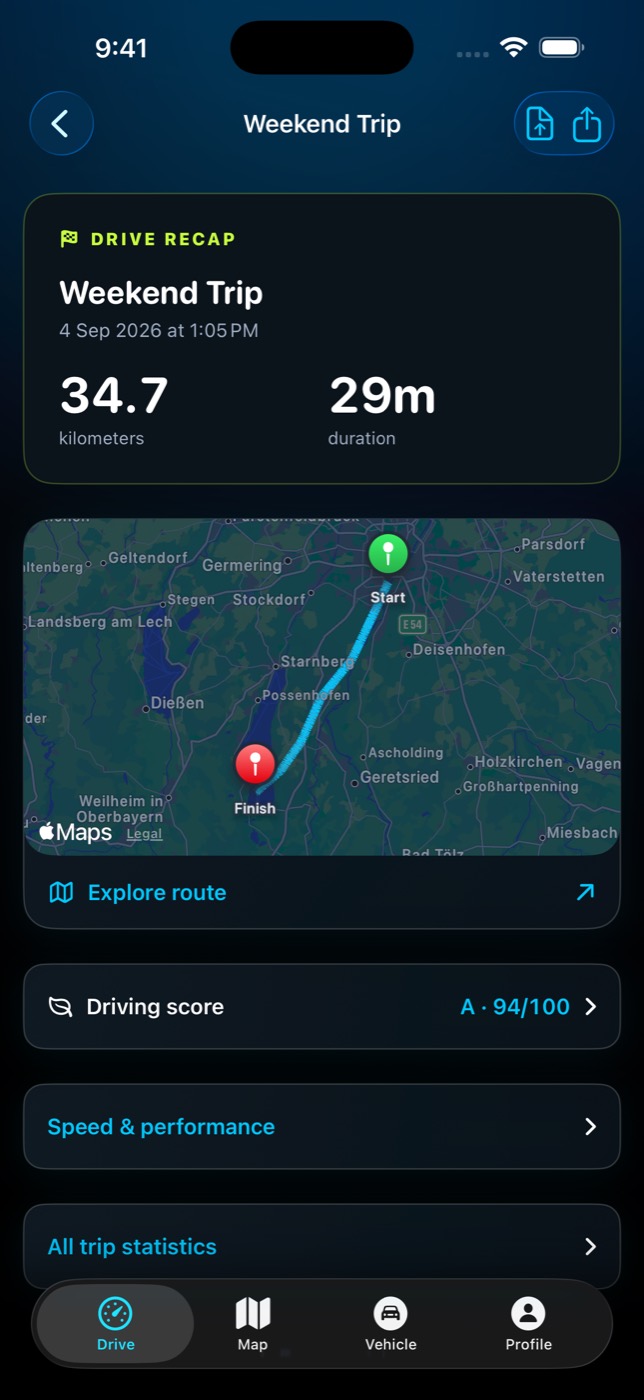
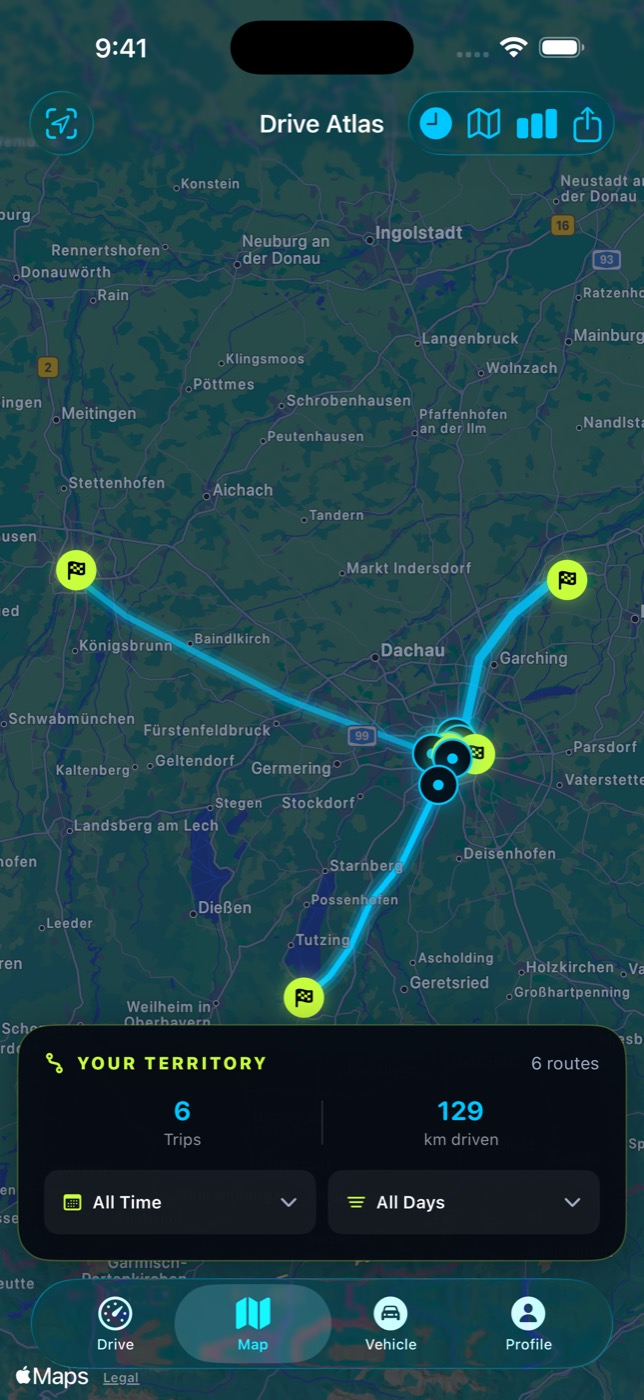
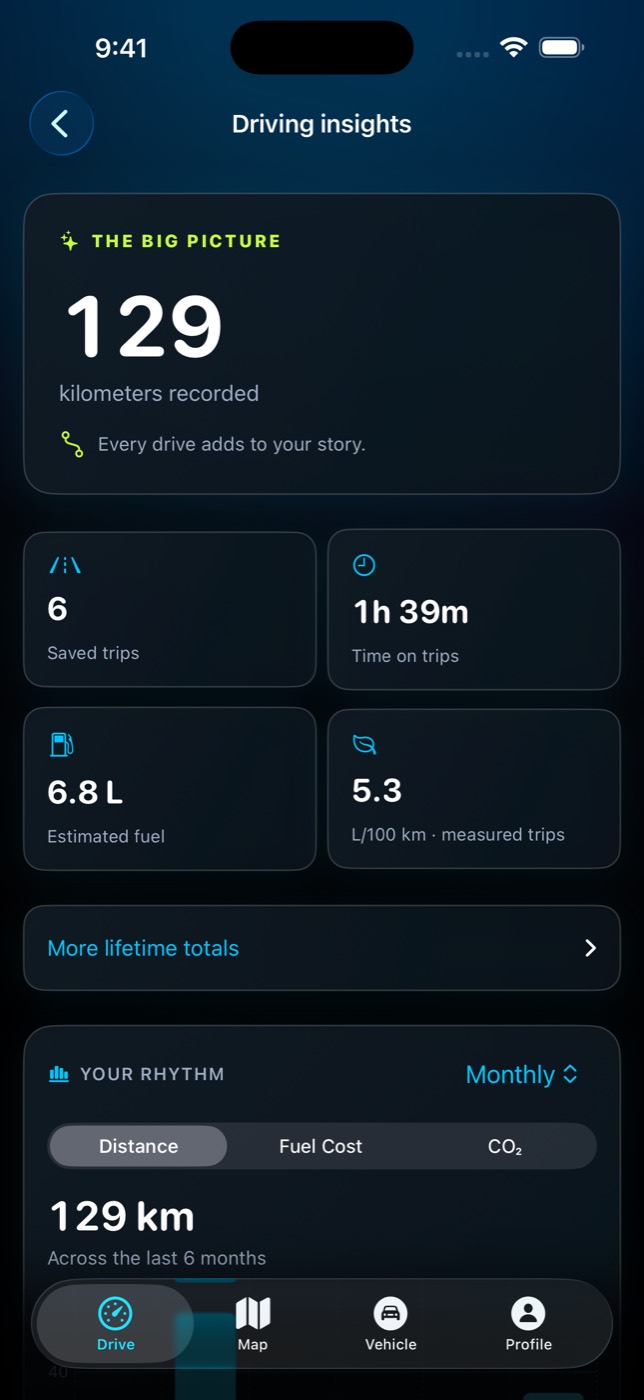
Swipe or drag to move through the set.
With and without a plug
The adapter is optional. It’s also where fuel comes from.
A Bluetooth ELM327 adapter in the OBD2 port turns estimates into measurements. Until you fit one, the phone-only side still records every drive.
Phone only Free
- Speed, distance, duration and full GPS route
- Live speedometer, Lock Screen and Dynamic Island
- Trip recaps with Eco score and hard-braking events
- Lifetime totals for distance and time
Plus an adapter Adds
- Engine RPM, coolant temperature, throttle, battery voltage
- Measured fuel use in L/100 km, priced at local rates
- Fuel-burn colouring on the trip map
- Stored fault codes and their descriptions
Free and Pro
Everything that matters on a drive is free.
Pro is for people with a long history to keep and patterns to look for. One purchase, no ads either way.
| Capability | Free | Pro |
|---|---|---|
| GPS trip recording and live speed | Yes | Yes |
| Trip recaps, Eco score, route per drive | Yes | Yes |
| Saved trip history | 10 most recent | All of them |
| All routes together on one map | — | Yes |
| Route replay with hard-event markers | — | Yes |
| Trends over weeks and months | — | Yes |
| Reading stored fault codes | — | Yes |
Released in 1.3
A fresh look for your next drive.
- Speed, front and centre
- A redesigned speedometer puts your speed at the center of the Drive screen.
- Clearer trip summaries
- Distance, duration and eco grades are easier to read at a glance.
- The Vehicle tab
- It now guides you through adapter connection, vehicle checks and reviewing a setting change.
- Honest map wording
- Updated route descriptions make it clearer which map features are included with Pro.
- No more phantom zeroes
- Missing fuel data is shown as unavailable instead of looking like zero consumption.
Before you start
What you need.
| Device | iPhone or iPad running iOS 17 or later |
|---|---|
| To record a drive | Nothing else. Location permission, granted once. |
| For engine and fuel data | A Bluetooth Classic ELM327 OBD2 adapter. Wi-Fi adapters are not supported. |
| Vehicle | Any OBD2-compatible car, which in practice means 1996 or newer. |
| Price | Free to download, with an optional Pro upgrade. |
| Adapter we use | Veepeak OBDCheck BLE+ on Amazon |
Your next drive is worth keeping.
Download it, press start, and see what the drive home actually looks like.
Download on the App Store